
BETOPIA CODER
BETAA coding-focused CLI engineered to drop into any dev workflow, answer faster and more reliably, and get programming tasks done in record time.
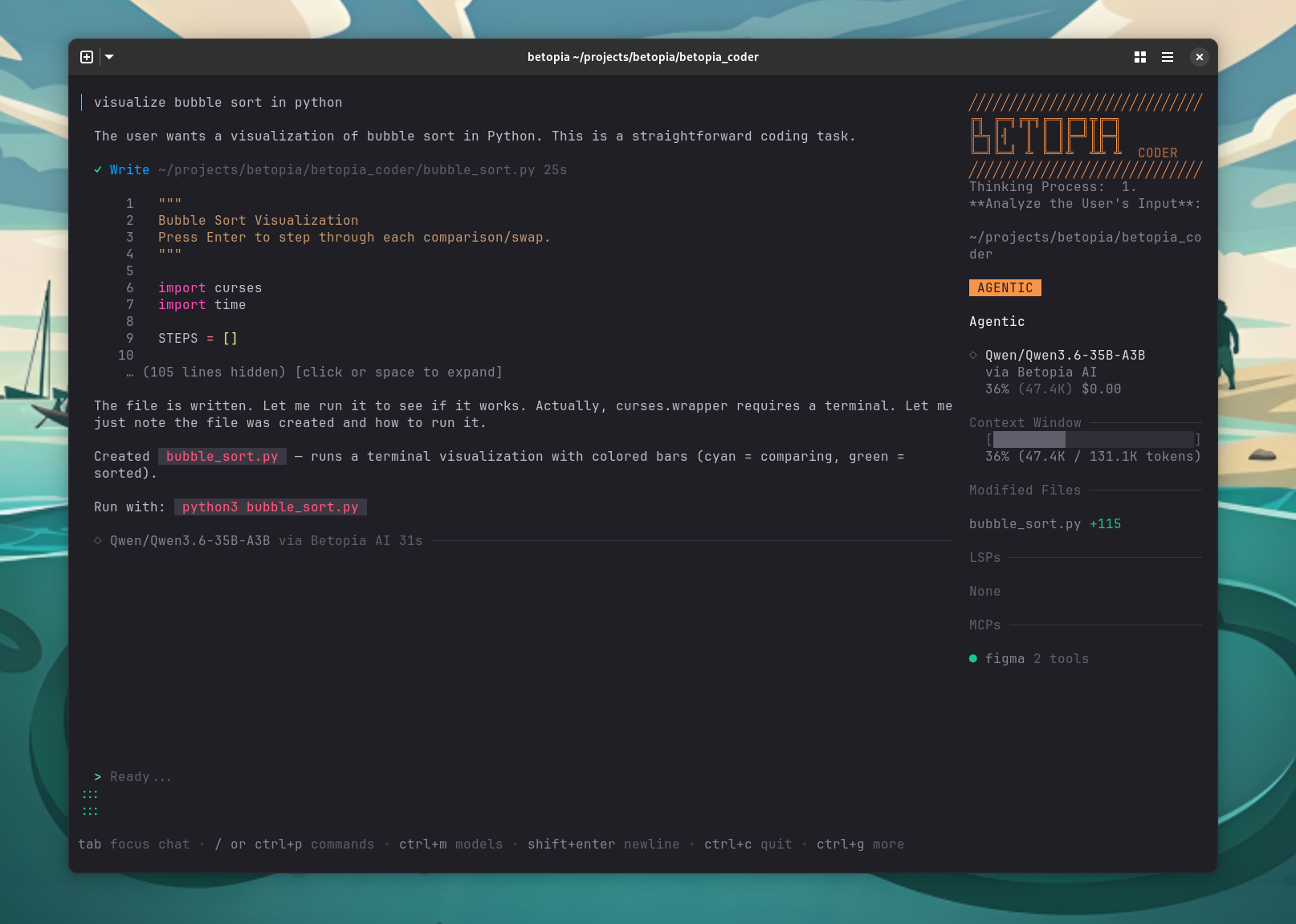
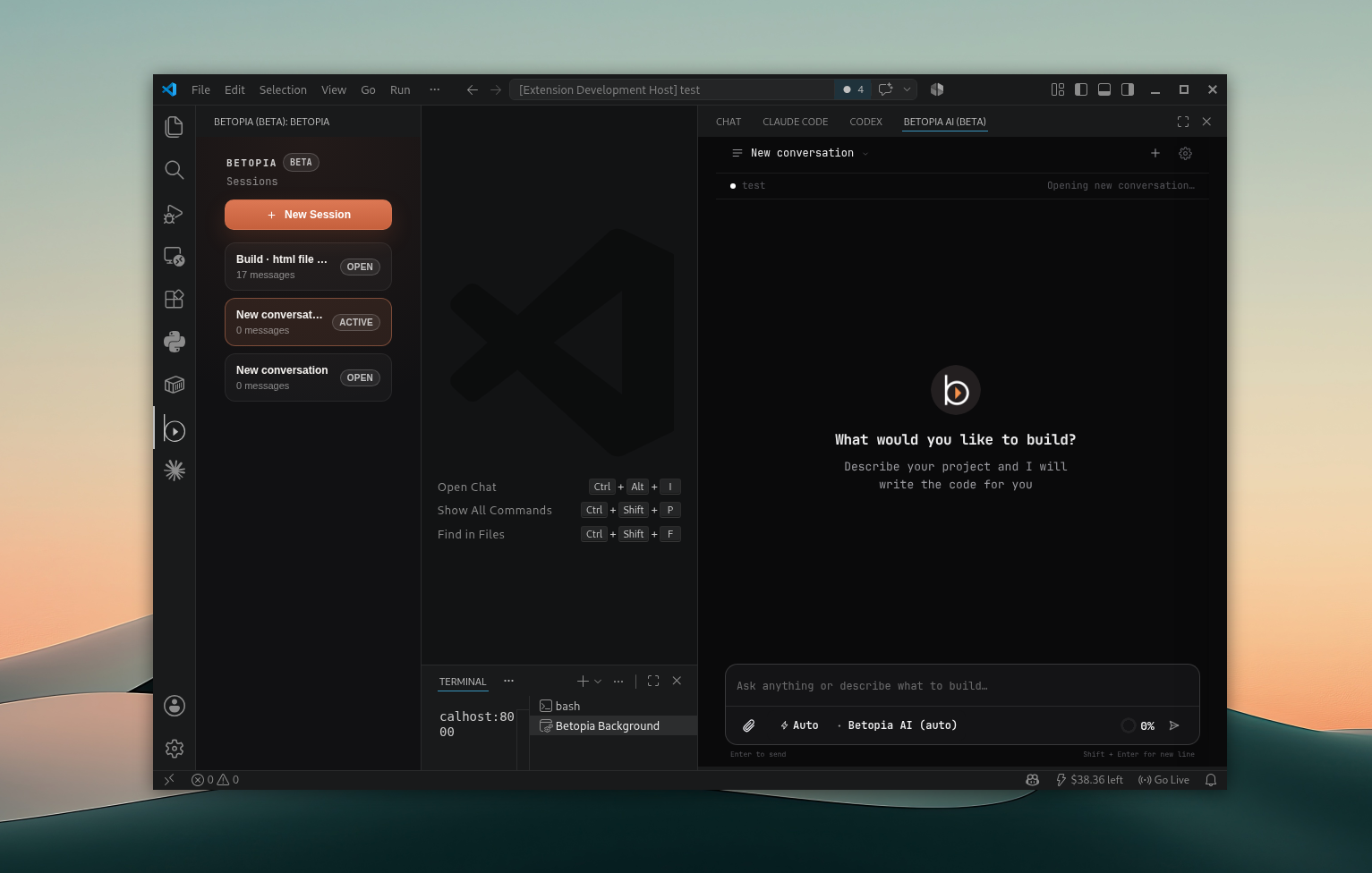
Code where you work
Pick your setup and start building in minutes. Betopia Coder drops into any workflow with zero friction.
BROWSE ALL
RELEASES
Explore all available versions of Betopia Coder, view detailed changelog, and download for your platform.
VIEW RELEASESFrequently Asked
Questions
Unlike general-purpose AI assistants, Betopia Coder is purpose-built for engineering workflows. It integrates directly into your CLI, understands your codebase context, and executes real tasks — not just suggestions.
Yes. Open-source maintainers get free access to Betopia Coder. We believe in supporting the community that makes modern software development possible.
Betopia Coder checks for new releases on startup and tells you when one is available. To upgrade, re-run the install command for your platform — or npm install -g @betopia/betopia-cli@latest if you installed via npm.
All major languages: JavaScript, TypeScript, Python, Go, Rust, Java, C/C++, Ruby, and more. Betopia Coder adapts to your tech stack without configuration.
Yes. Install the VS Code extension or use the terminal integration in any IDE with an embedded terminal. The CLI works anywhere you have a shell.